SQLAgent vs Cloudflare Dashboard for Cloudflare D1 Database Work
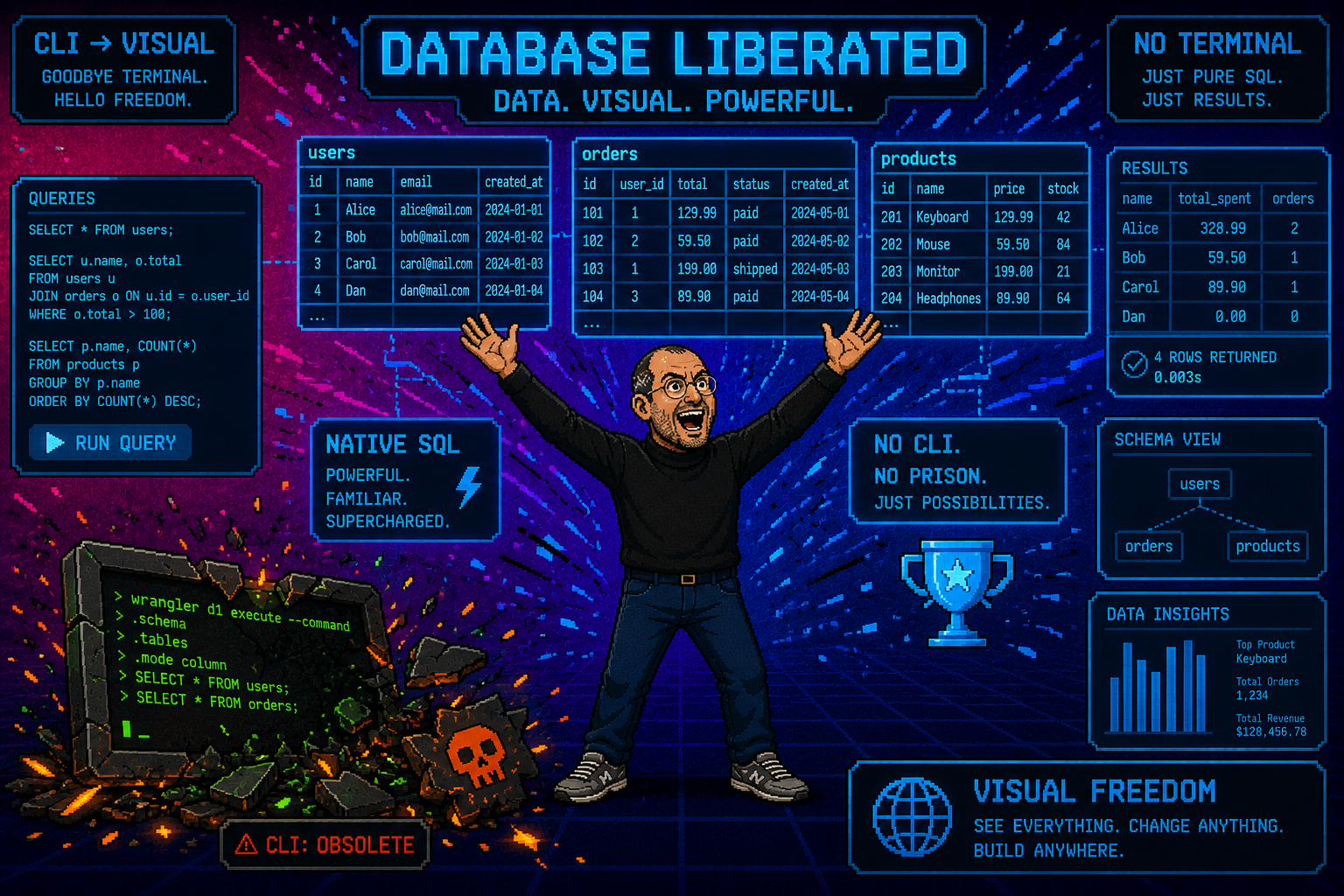
SQLAgent vs Cloudflare Dashboard
The Cloudflare dashboard lets you peek at your Cloudflare D1 data. SQLAgent lets you actually work with it. Here is the full comparison.
The Cloudflare dashboard is a cloud console, not a database client — and the gap between "run a query" and "manage a database" is bigger than you think.
TL;DR — Dashboard vs. Real Client
| Dashboard | Basic table list, single query box, raw results — a quick peek, not a workflow |
| SQLAgent | Sortable data grid, inline editing, AI SQL, export, query history, visual schema — a full database client |
| Verdict | Use the dashboard for cloud management, use SQLAgent for database work — they complement each other |
| Cost | SQLAgent free tier includes every feature in this comparison — no trial, no time limit |
The Dashboard Does the Minimum
The Cloudflare dashboard gives you a Cloudflare D1 section where you can see your databases, click into a table, and run a single SQL query. That is about it. It exists so you can confirm your database was created, check if a table has rows, and run a quick SELECT when you need to verify something.
What it cannot do:
- No sortable data grid — rows are displayed in a flat, unstyled list
- No inline editing — you cannot click a cell and change a value
- No schema visualization — no types, no indexes, no foreign key maps
- No query history — run a query, navigate away, it is gone
- No export — you cannot download results as CSV, JSON, or SQL
- No AI assistance — you must write every query by hand
- No multiple databases open at once — you switch between them one at a time
- No keyboard shortcuts — everything is click-based
It is a cloud console. It is designed to let you manage Cloudflare resources — Workers, Pages, DNS, Cloudflare D1 — from a single web interface. Database management is a tiny slice of that. It would be unreasonable to expect Cloudflare to build a full-featured database client inside a web dashboard that does a thousand other things.
That is why dedicated tools exist.
Feature-by-Feature Comparison
| Feature | Cloudflare Dashboard | SQLAgent |
|---|---|---|
| Browse tables | Basic list | Sortable data grid with types |
| Run queries | Single query box | Full SQL editor with syntax highlighting |
| Query history | None | Full history with search |
| Inline editing | None | Double-click to edit any cell |
| Export data | None | CSV, JSON, SQL export |
| Schema view | Basic | Visual schema with types, indexes, FK |
| Multiple databases | Switch between tabs | All databases in sidebar |
| AI SQL | None | AI Agent — plain English to SQL |
| Keyboard shortcuts | None | Full macOS shortcuts (⌘N, ⌘R, etc.) |
| Performance | Browser-based, slow | Native SwiftUI, instant launch |
| Offline schema | No | Cached locally |
| MySQL / PostgreSQL | No | Yes, same interface |
Twelve features. The dashboard covers two of them partially. SQLAgent covers all twelve fully. That is not a criticism of Cloudflare — it is the difference between a cloud console and a purpose-built database client.
What the Dashboard Gets Right
Let us be fair. The Cloudflare dashboard has real strengths that SQLAgent does not replace:
- It is free — included with every Cloudflare account, no extra download
- It is always available — any browser, any machine, any OS
- It is great for quick checks — "does this table exist?" takes 10 seconds
- It handles cloud management — creating databases, managing bindings, configuring replication
If you are already in the Cloudflare dashboard configuring a Worker, checking DNS, or deploying a Pages project, and you need to quickly verify that a Cloudflare D1 table exists or run a one-off query — the dashboard is the right tool. You are already there. No context switch needed.
The dashboard is a cloud management tool, not a database tool.
It excels at what it was designed for: creating Cloudflare D1 databases, managing Workers bindings, setting up replication. For that workflow, it is the best option. The gap only appears when you try to use it for daily database work — browsing data, running complex queries, editing rows, exporting results.
Where SQLAgent Shines
SQLAgent was built for one thing: database work. Not cloud management, not DNS, not deployments — just databases. That focus shows in every feature:
Daily database work. Browse tables in a sortable, filterable grid. Click column headers to sort. Double-click any cell to edit it. See row counts, column types, and table sizes at a glance. This is the kind of work you do ten times a day during development — and it should take seconds, not minutes.
Development workflow. Test queries before deploying them. Verify that a migration ran correctly. Debug data issues by inspecting actual rows. Check that your seed data looks right. The query editor has syntax highlighting, autocomplete, and full query history — so you never lose a query you ran yesterday.
AI Agent. Type "show me users who signed up but never made a purchase" and get instant SQL. The AI knows your schema — tables, columns, types — and writes queries that actually work against your database. No more guessing at JOIN syntax or trying to remember if the column is called created_at or createdAt.
Multi-engine. Same interface for D1, MySQL, PostgreSQL, and SQLite. If you work with more than one database engine, you do not need to learn four different tools. One app, one workflow, all your databases.
Native performance. SQLAgent is a 50MB native SwiftUI app. It launches instantly, uses minimal RAM, and does not eat a browser tab. Compare that to loading the Cloudflare dashboard — a full web app with navigation, sidebars, account switching — just to look at a table.
They Work Together
This is not an either-or choice. The dashboard and SQLAgent solve different problems:
- Create and delete Cloudflare D1 databases
- Manage Workers bindings
- Configure database replication
- Deploy Workers and Pages
- Quick one-off queries
- Browse and sort table data
- Run and save complex queries
- Edit rows inline
- Export data to CSV, JSON, SQL
- AI-powered query generation
SQLAgent connects to your Cloudflare D1 databases via the same Cloudflare REST API — you provide your Account ID and API Token, and SQLAgent handles the rest. No special access required, no extra permissions, no beta features. If you can access Cloudflare D1 in the dashboard, you can access it in SQLAgent.
Pro tip: set up SQLAgent once, use it forever.
Enter your Cloudflare credentials once and SQLAgent saves them securely in your macOS Keychain. Every Cloudflare D1 database in your account appears in the sidebar automatically. No re-authentication, no token juggling, no switching between browser tabs. Open SQLAgent, click a database, start working.
Download SQLAgent
The free tier includes every feature in the comparison table above — sortable grid, query editor, inline editing, export, schema visualization, query history, keyboard shortcuts, and multi-database sidebar. No trial period, no feature gates.
The Pro plan adds the AI Agent (plain English to SQL), analytics dashboards, and SSL/TLS client certificate support — for teams and power users who want the full toolkit.
Download SQLAgent free and see the difference a real database client makes.
Related: Why D1 Needs a Desktop Client · Browse & Query D1 Visually · D1 vs MySQL vs PostgreSQL